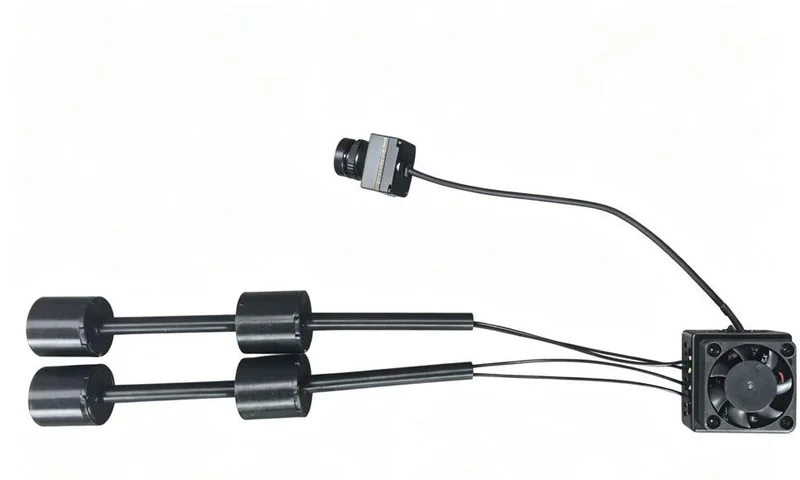
 C403 MAX
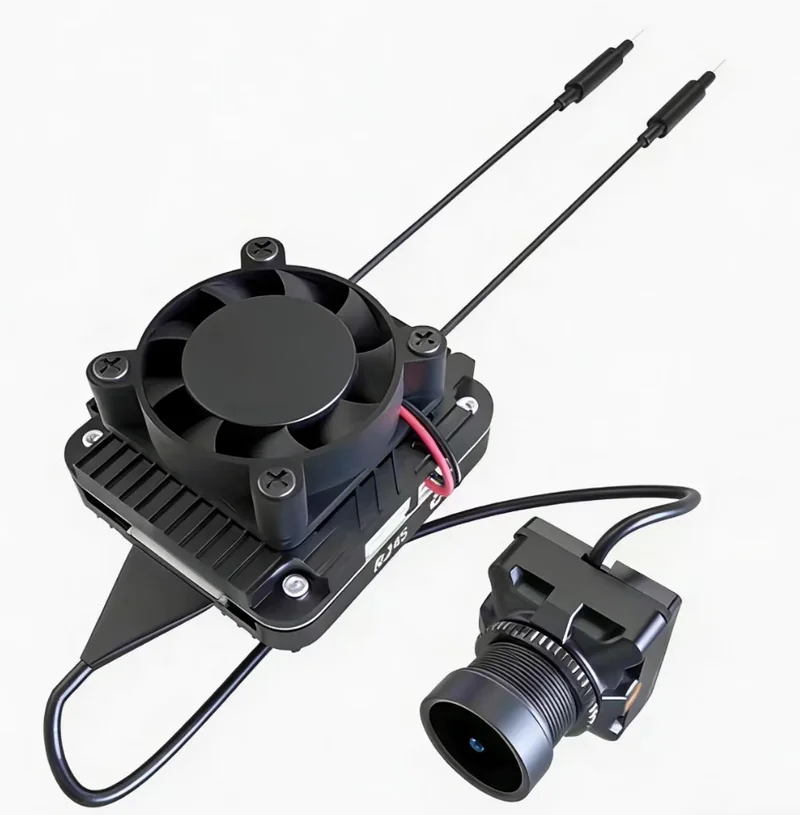 ZYRO Air
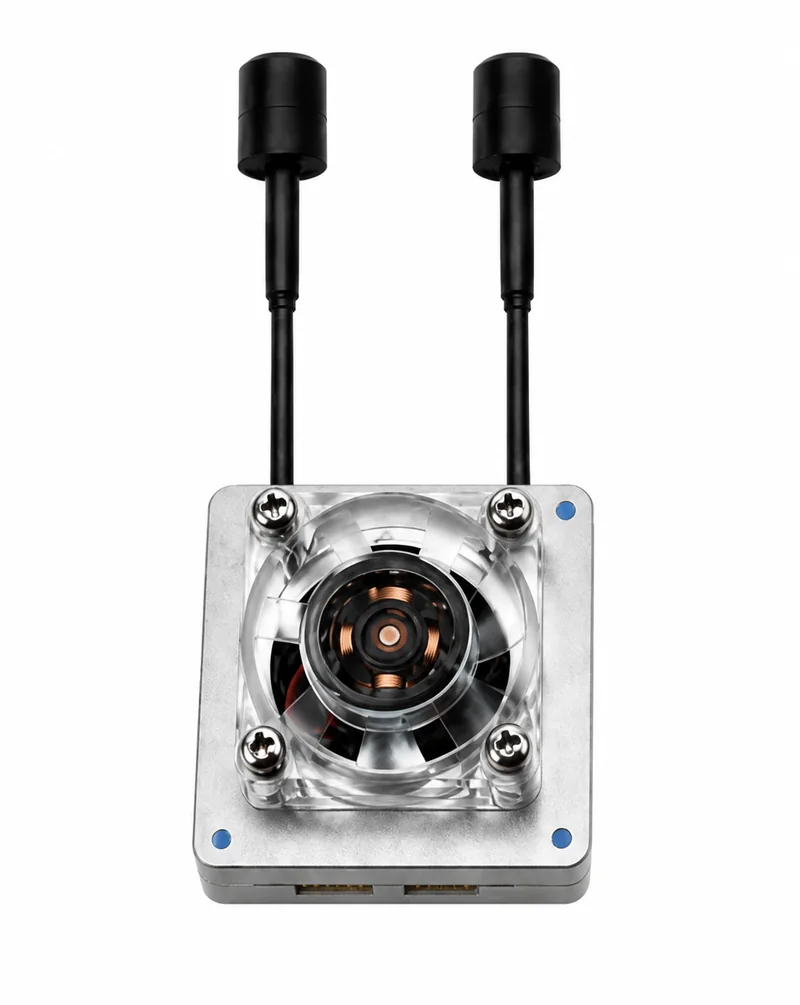 ZYRO Link
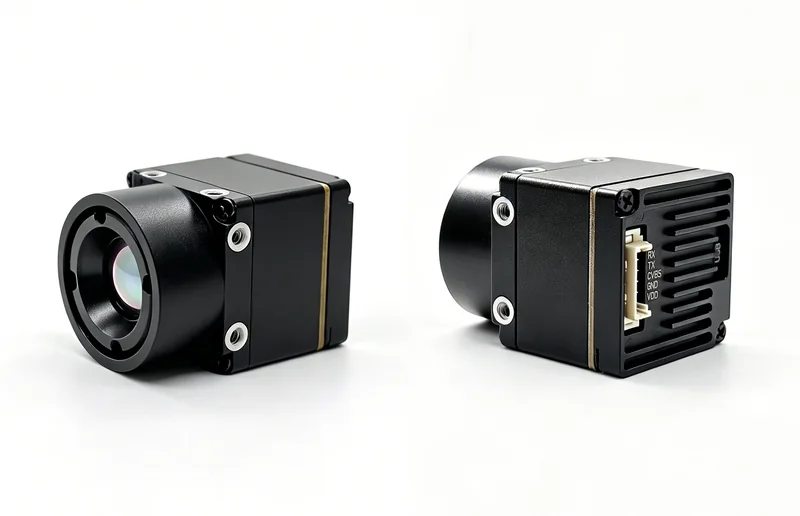 ZYRO Thermal

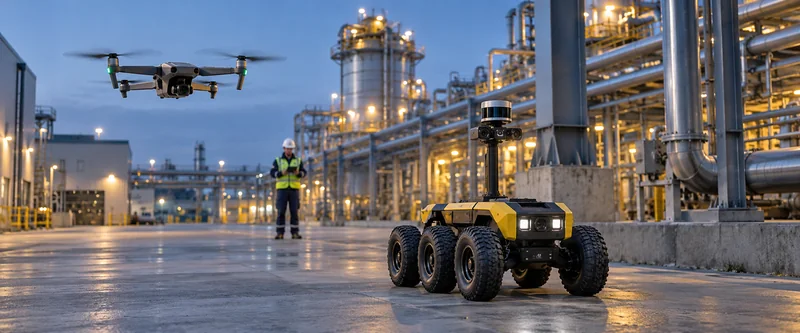
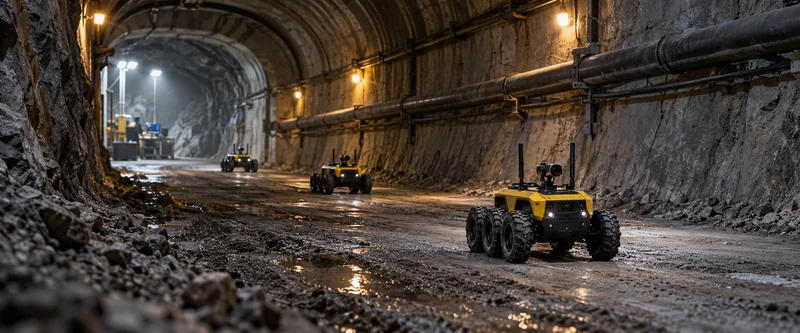

Drone surveys
Review aerial images after a civilian survey flight and share the material the team needs for its site report.
Portable wireless mesh networking
Portable Mesh networking for sites that are hard to cable.
A field team may need network access at a temporary work point or a separate monitoring site, even when running cable between them is impractical. Carry the ZYRO Mesh Case to the work point and extend an existing network through compatible Mesh nodes. Nearby laptops and tablets can connect over Wi-Fi at the remote end.
Field applications
At a temporary field workstation, crews can review images, update inspection records and share reports over the network. These examples show where that access is useful. The case does not replace the equipment that captures the images or runs the inspection.
Review aerial images after a civilian survey flight and share the material the team needs for its site report.
Use the field workstation to review records from a ground survey of access roads or work areas and share findings with the maintenance team.
Review close-up images collected during a facility inspection, document the findings and send the report from the work point.
Review images collected for wildlife or habitat monitoring. Night imaging depends on the camera; recording and alerts depend on the camera and monitoring software.
Why use a Mesh Case?
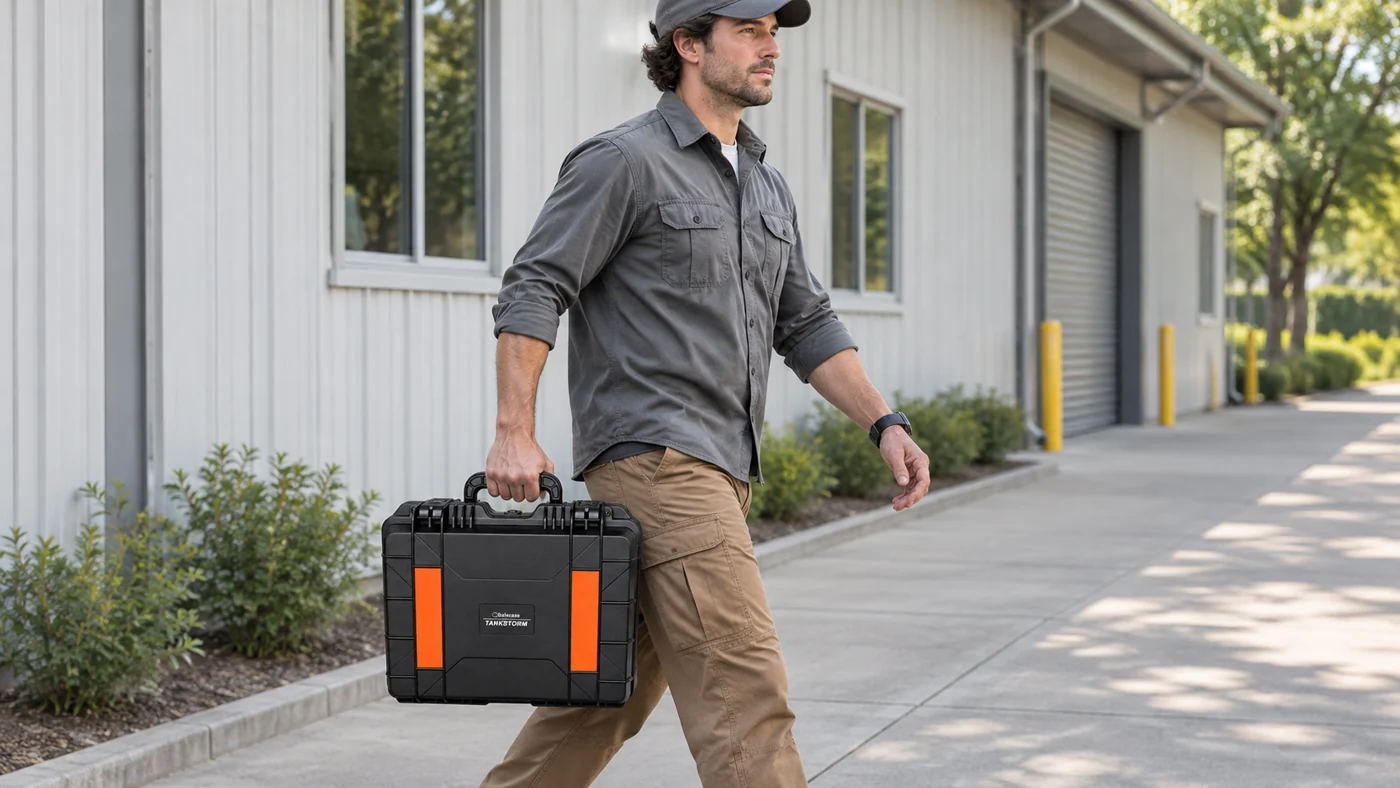
A carry handle and case enclosure make the unit easy to move between work points. The documented antenna accessories can be set up again at the next location.
Carry the closed unit by its built-in handle and move it as the work site changes.
The user manual covers the case controls, antenna accessories, charging and the basic network checks.
The local site uses wired Ethernet. Mesh connects the cases wirelessly, and nearby devices join the remote case over Wi-Fi.
Add compatible cases to serve more work points on the same Mesh network, as supported by the configuration.
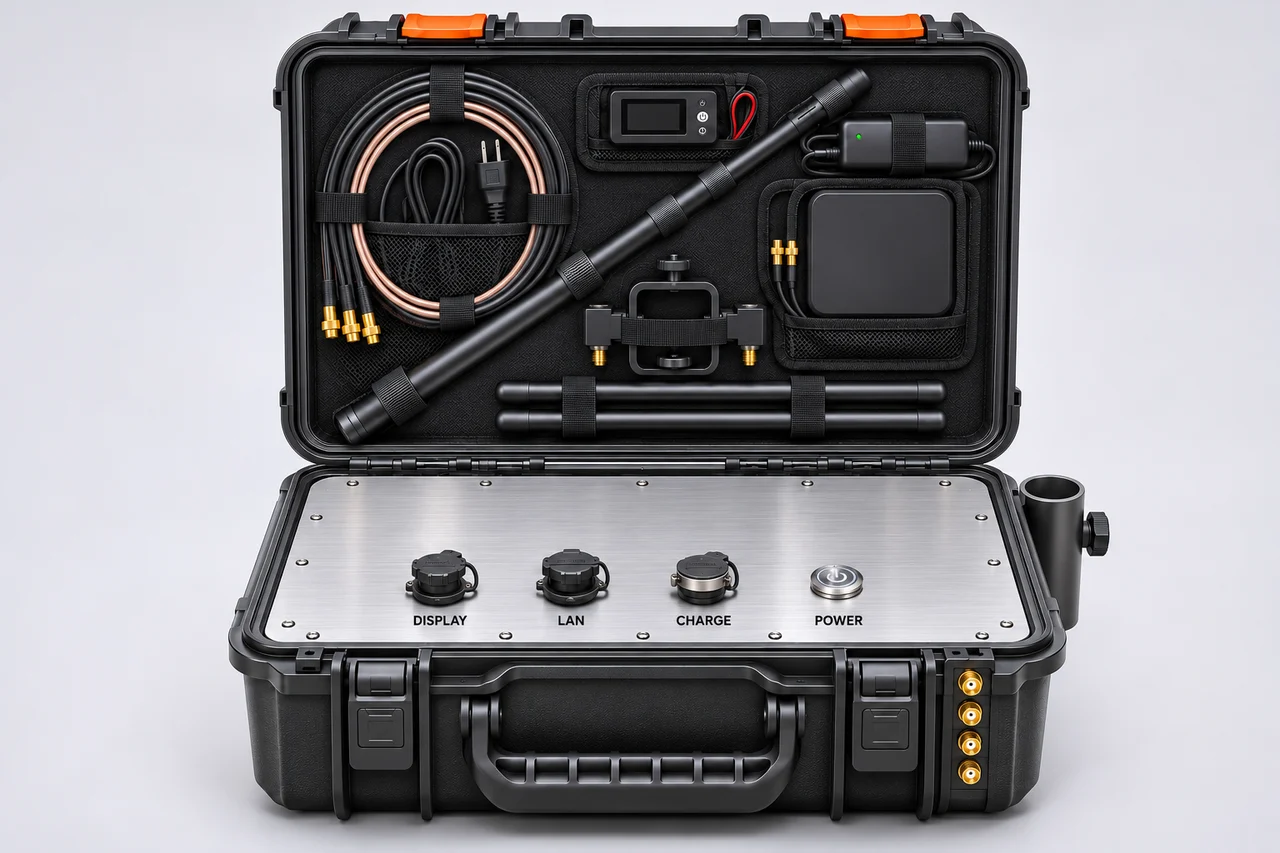
Confirm the supplied accessories and configuration for the project. Coverage depends on the site and should be checked before use.
How Mesh connects the sites
Mesh connects compatible cases across multiple work sites without a permanent cable between them. A local unit uses an existing Ethernet connection, and nearby phones, tablets or laptops can use Wi-Fi at a remote work point. Additional nodes can join when the configuration supports them.
Example: three nodes on a shared Mesh network
The local case connects to an existing Ethernet network.
A remote case can provide network access for a compatible environmental monitoring device.
Another remote case can provide Wi-Fi for a crew’s laptop or tablet.
The three nodes shown here are an example, not a limit. The number of nodes a deployment can support depends on the configuration and site conditions. Internet access requires an Internet-enabled upstream connection.
Power and operating time
For jobs that run into the evening or span multiple shifts, confirm the power arrangement for the intended equipment, operating time and site conditions. The available runtime depends on the final configuration and should be verified under the expected load.
A 24-hour operating window is a project planning target with suitable power. It is not a verified runtime for one charge of the built-in battery.
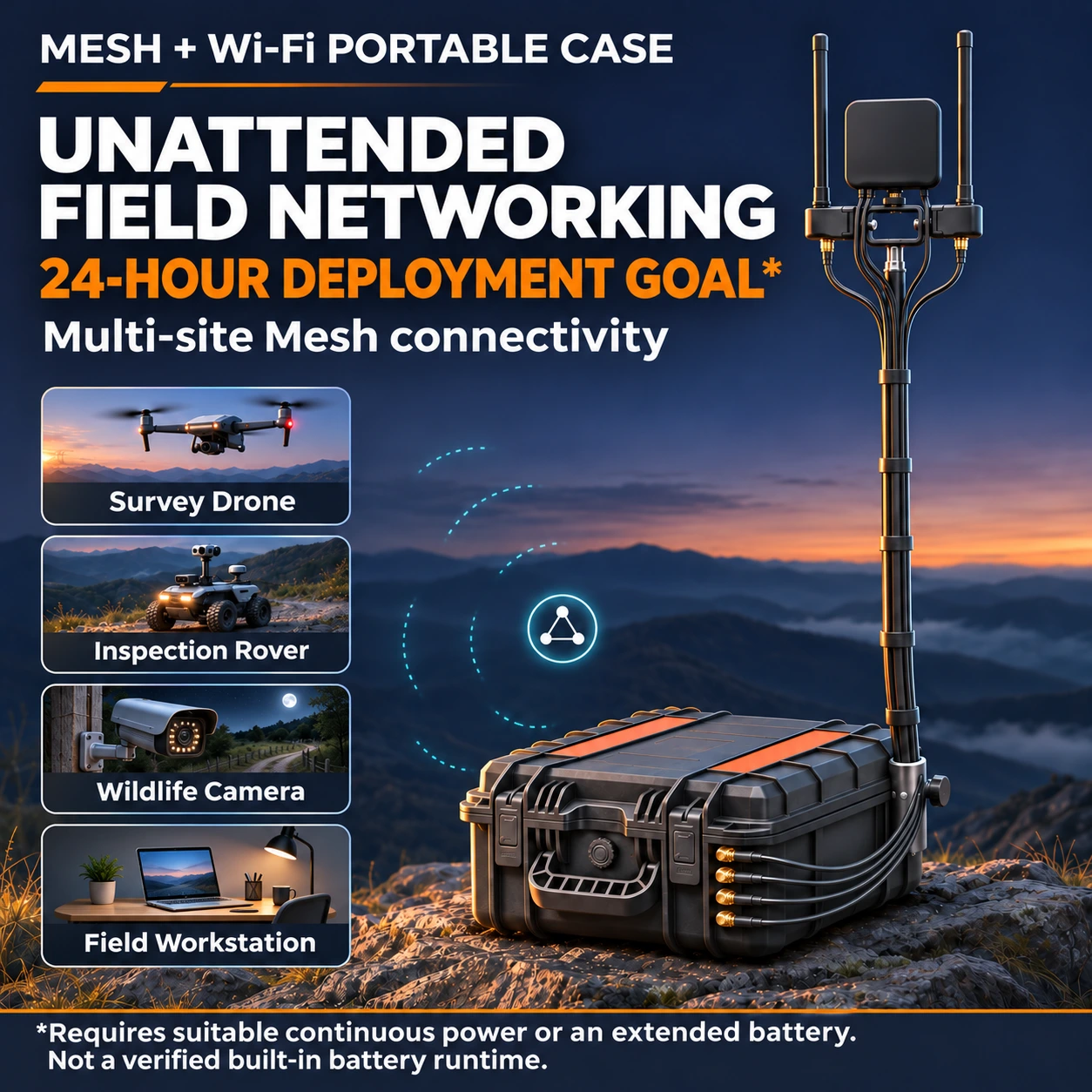
From Ethernet to remote Wi-Fi
Use a local case and a remote case for the basic connection. Add compatible cases for more work points as supported by the configuration.
Identify the local and remote cases. Check power and fit the documented antenna accessories before switching on.
Connect its LAN port to the existing network with Ethernet.
Switch on both cases and check that the intended nodes are online before relying on the connection.
Connect a phone, tablet or laptop to the remote Wi-Fi network and check that it can reach the intended service.
Built for temporary connectivity
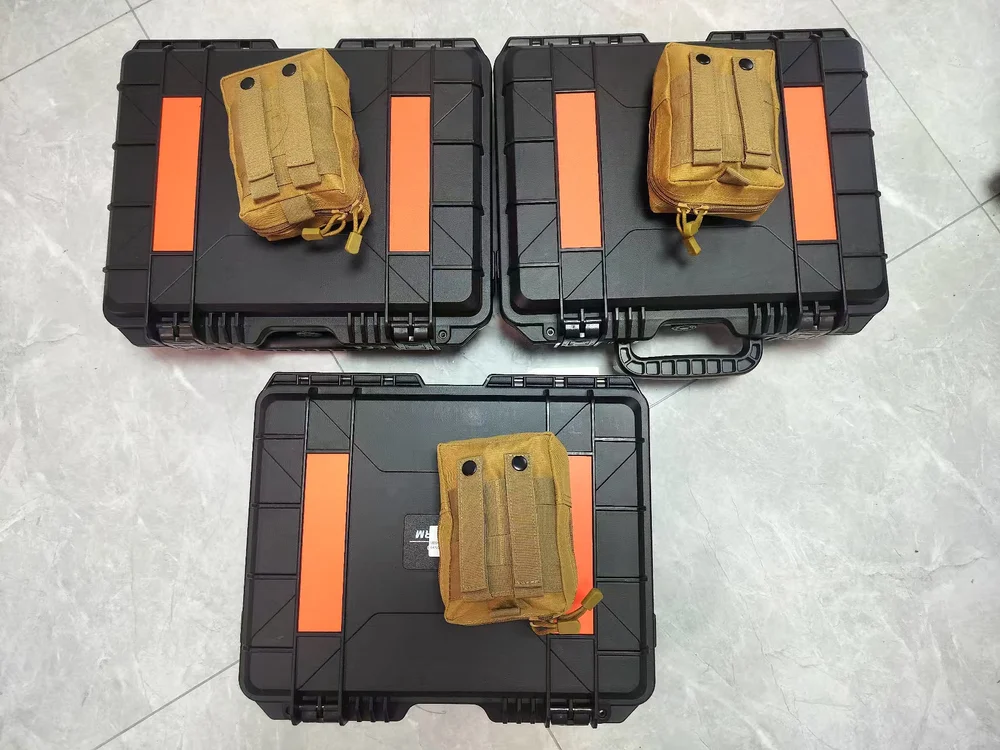
The two case types have different connector positions so operators can tell them apart before setup.
Connect the local unit to an upstream network over Ethernet. The remote unit provides Wi-Fi access when the Mesh link is established.
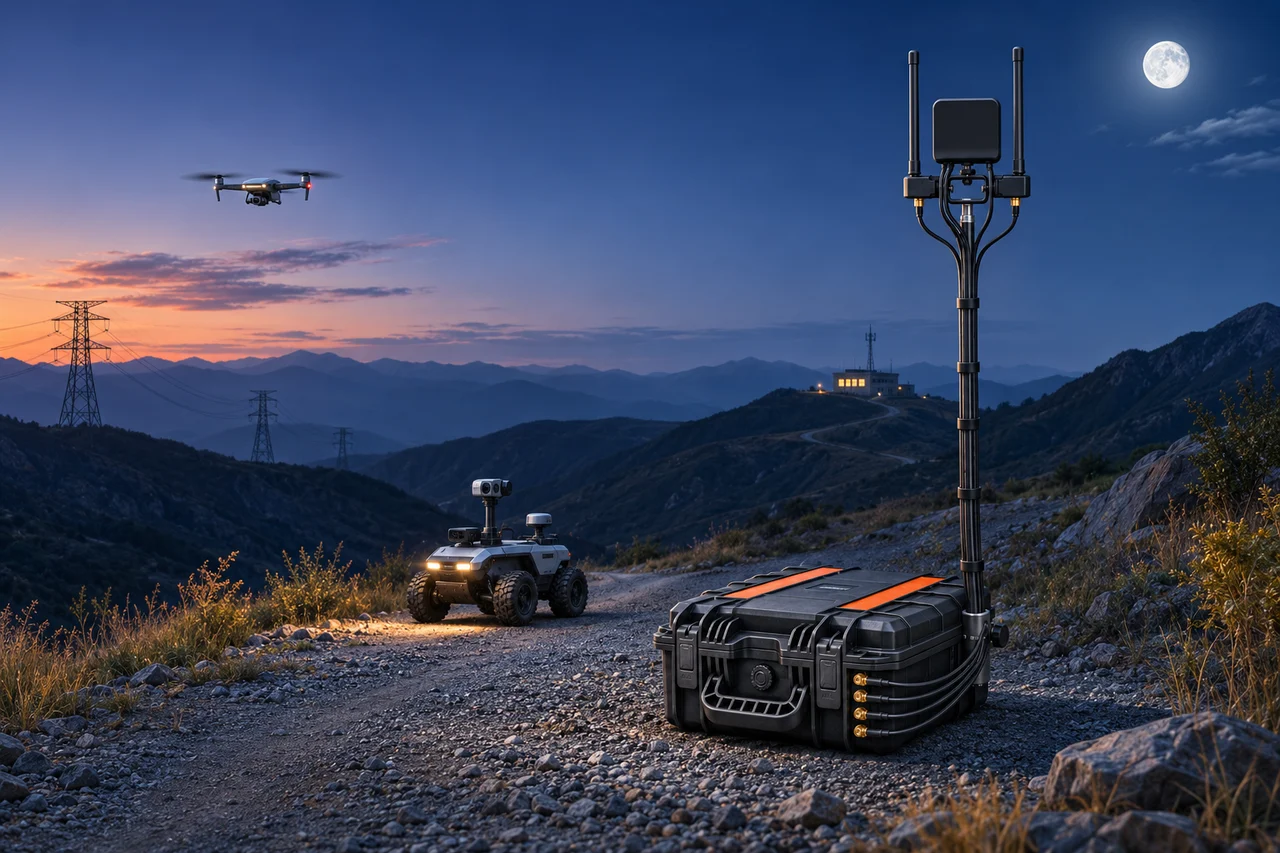
The documented field setup uses a telescopic pole and clamp to hold two Mesh antennas and a router antenna.
The internal panel provides power, charging and a connection for the supplied battery test module.
Product information
| Item | Documented configuration |
|---|---|
| Unit roles | Local and remote case units |
| Network connections | Ethernet uplink at the local unit; Wi-Fi access at the remote unit |
| Antenna arrangement | Two Mesh antennas and one router antenna in the documented setup |
| Battery check | External battery test module connects to the panel |
| Supplied charger output | 25.2 V DC / 2.0 A, as listed in the manual |
Remote Internet access requires an Internet-enabled upstream network. Confirm the kit contents and site requirements with ZYRO.
Reference specifications
These specifications describe the ZYRO Mesh product. They are provided for reference and do not establish end-to-end performance for this case platform.
| Parameter | ZYRO Mesh |
|---|---|
| Networking mode | Self-organizing Mesh with automatic joining for compatible nodes |
| Relay support | Up to 2 hops in relay mode |
| Module Ethernet interface | 10/100 Mbps |
| Module antenna interfaces | Dual antenna interfaces |
| Management interface | Browser-based configuration and topology view |
From the field
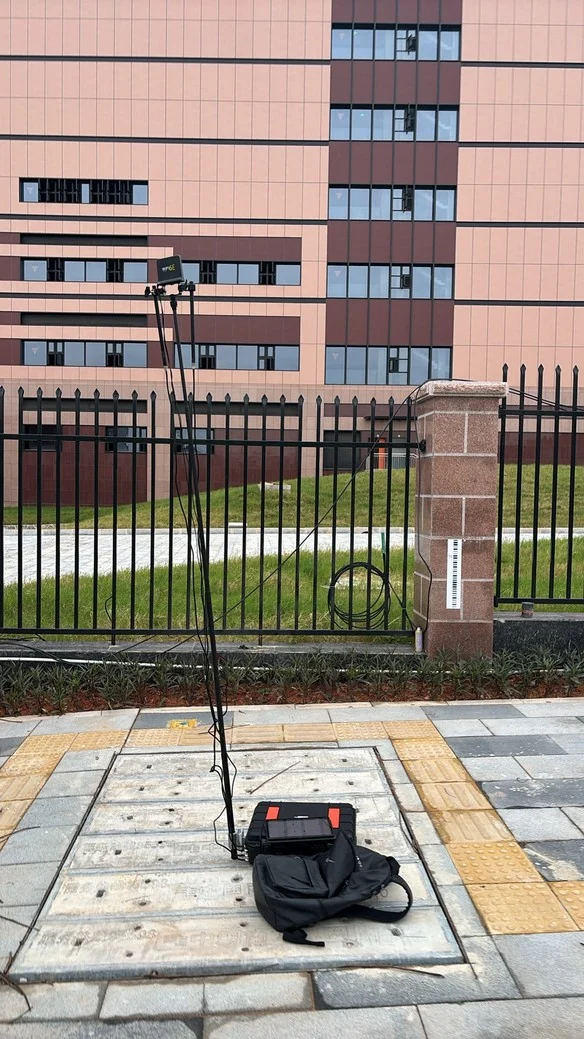
Field photos show three case units deployed outdoors with telescopic poles and antennas. The management interface listed three nodes online when it was photographed.
The record is a snapshot. It does not establish maximum range, throughput, or sustained link quality.
Product resources
The English user manual covers the case units, antenna setup, charging and network connections.
Tell us where you need a connection and how the site will be used.