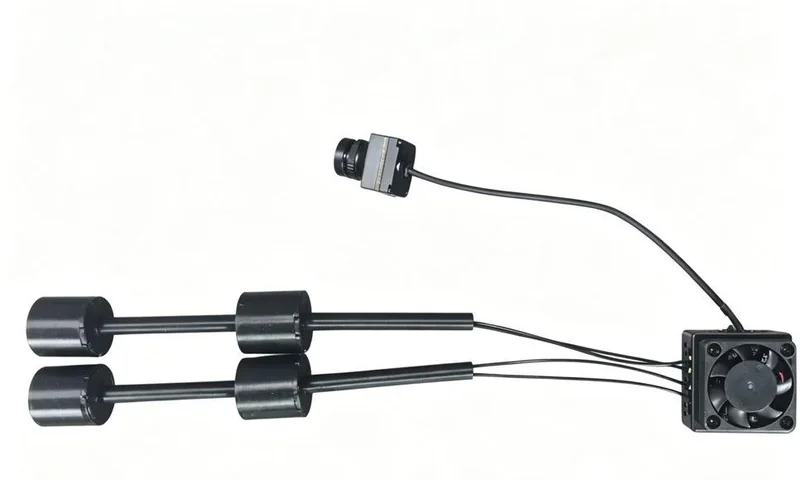
 C405 MAX
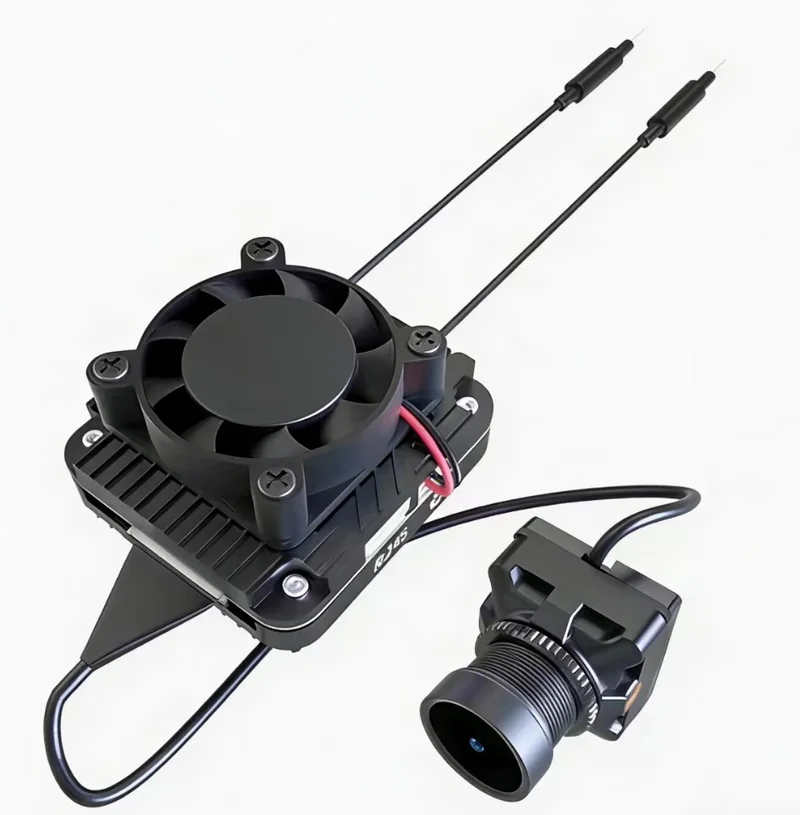 ZYRO Air
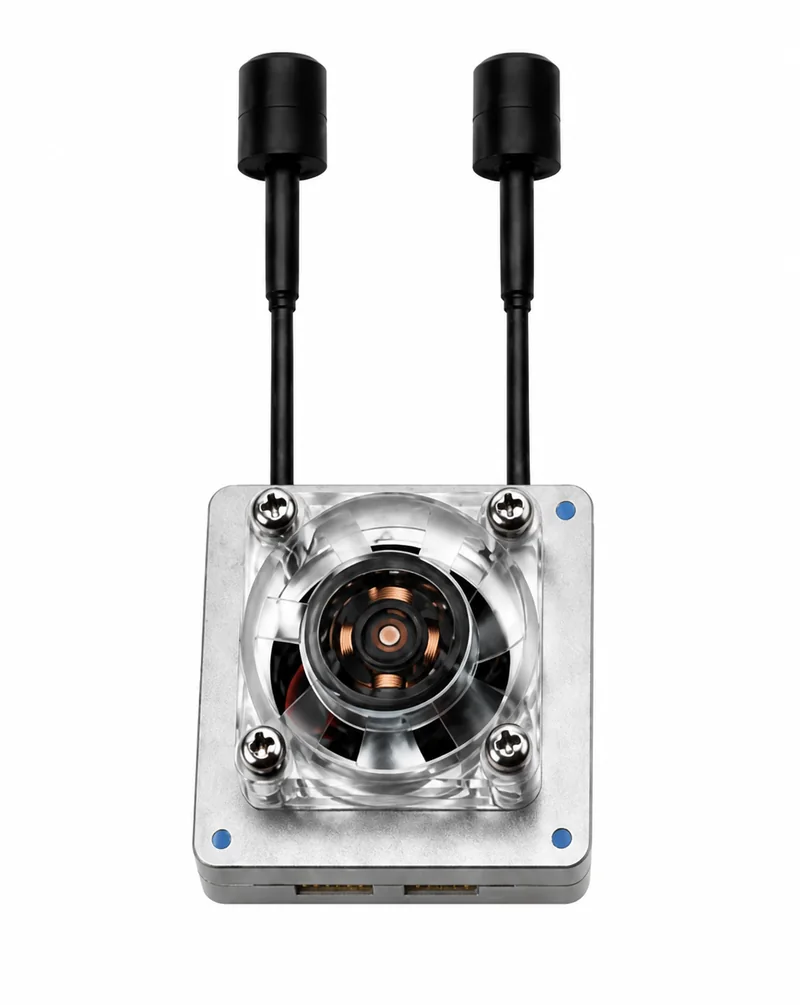 ZYRO Link
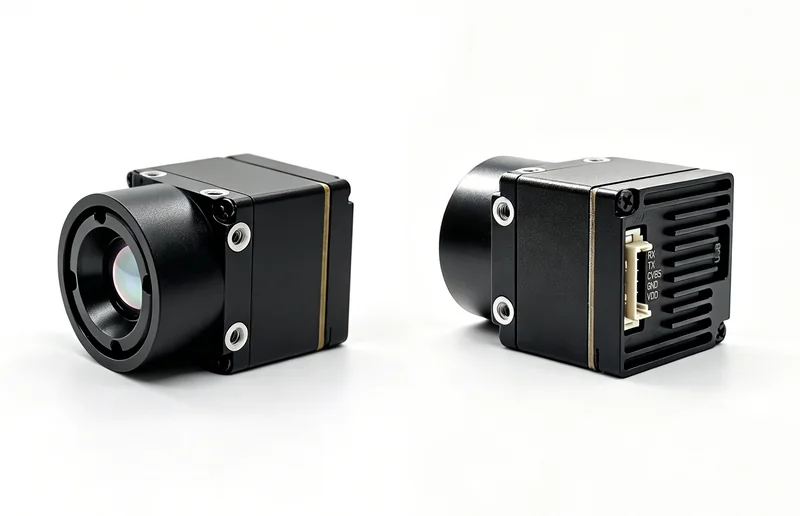 ZYRO Thermal



Analog video transmitter
Air Analog
5.8GHz 2.5W Analog Video Transmitter
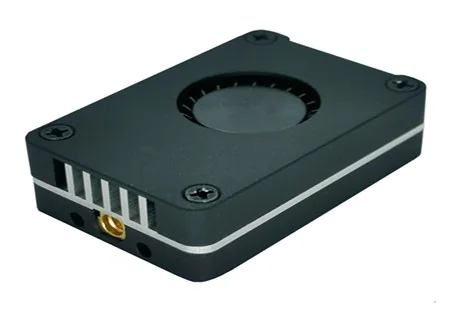
ZYRO Air Analog is a lightweight, high-power analog VTX module for FPV, lightweight aircraft, and latency-sensitive video links. It uses a high-strength CNC aluminum housing and a built-in micro turbo fan to balance heat dissipation, transmission stability, and installation convenience at high output power levels.
Built for your integration
A closer look.
Adjustable Power Levels
Supports PIT, 25 mW, 400 mW, 800 mW, and 2500 mW operating modes for flexible range/compliance requirements.
Wide Voltage Input
Supports 7–36 V DC input for 2S–6S LiPo power systems — compatible with most airborne power configurations.
Active Cooling & Thermal Protection
Built-in micro turbo fan with automatic step-down above 100°C and restoration at 95°C for safe sustained operation.
OSD Serial Tuning
Compatible with IRC Tramp / TRAMP protocol for remote setup and power adjustment through flight controller OSD.
Complete Interface Set
Supports video input, audio input, dual 5 V outputs, GND, IRC, and DC input for comprehensive integration.
Lightweight Structure
Compact 38.7 × 26 × 11 mm form factor at only 15.6 g with CNC aluminum case for premium build quality.
Technical Data
Technical Specifications
| Parameter | Value |
|---|---|
| Product type | 5.8 GHz Analog VTX |
| Channel count | 48 CH |
| Band groups | A / B / E / F (FatShark) / R (RaceBand) / L |
| Input voltage | 7–36 V DC (2S–6S) |
| Auxiliary output | Dual 5 V / 0.5 A |
| Video system | PAL / NTSC |
| Modulation | FM |
| Transmit power | PIT / 25 mW / 400 mW / 800 mW / 2500 mW |
| Maximum transmit power | 34 dBm ±1 dBm (max) |
| Antenna connector | MMCX |
| Control method | Onboard button + OSD serial remote setup (TRAMP) |
| Audio | External audio input supported |
| Dimensions | 38.7 × 26 × 11 mm |
| Weight | 15.6 g (with case, excluding antenna) |
| Protection | Automatic thermal power reduction to prevent overheating during prolonged ground operation |
Operation
Operation Guide
| Parameter | Description |
|---|---|
| Band / channel button | Short press to change channel; hold 3 seconds to switch frequency band |
| Power button | Short press to cycle through PIT, 25 mW, 400 mW, 800 mW, and 2500 mW |
| Power indication | 25 mW flashes once; 2500 mW flashes four times; hold 3 seconds to enter PIT mode |
| High-power operation | Always connect a matching antenna before using 400 mW / 800 mW / 2500 mW modes |
| OSD remote setup | Connect to flight controller TX, configure remotely from OSD menu using TRAMP protocol |
Installation Notes
▸Install the antenna before powering on the device. ▸Set the transmitter and receiver to the same frequency. ▸The aluminum case may become hot during operation; avoid direct contact with high-temperature surfaces. ▸Do not exceed the 7–36 V input range. ▸The dual 5 V outputs are intended only for peripheral power supply and must not be back-fed. ▸If the outer case is removed to reduce weight, thermal performance may decrease at high power.Applications
Typical Application Scenarios
Analog FPV platforms and racing builds
Lightweight aircraft and freestyle quadcopters
Low-latency analog video transmission links
Product resources
Get the details.
Explore the product documentation, interfaces and configuration information for your build.
Build your next connection.
Share your platform and integration requirements with the ZYRO team.