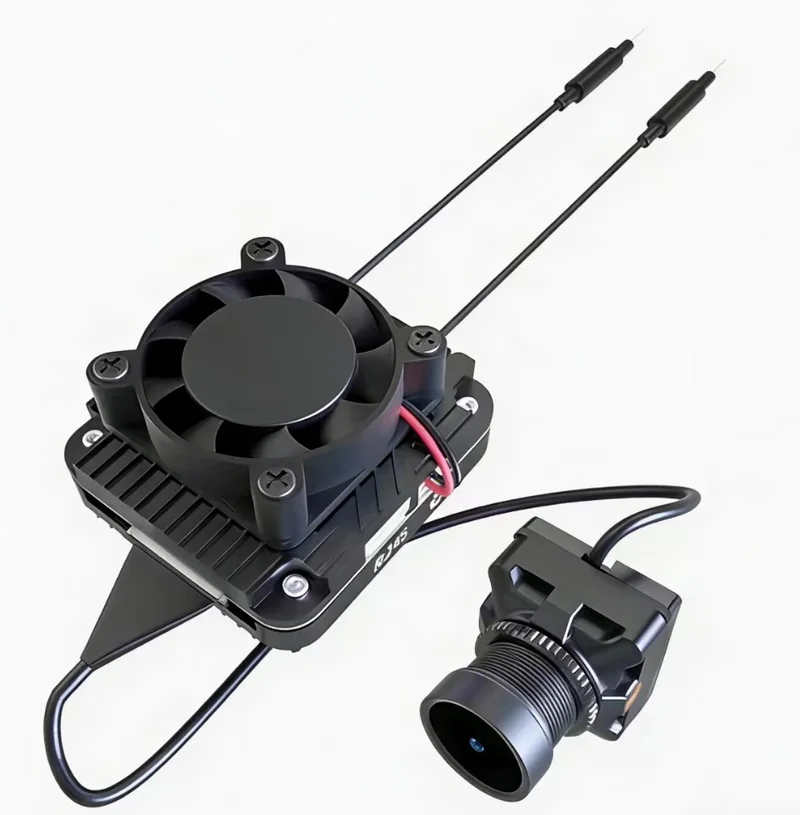
 ZYRO Air
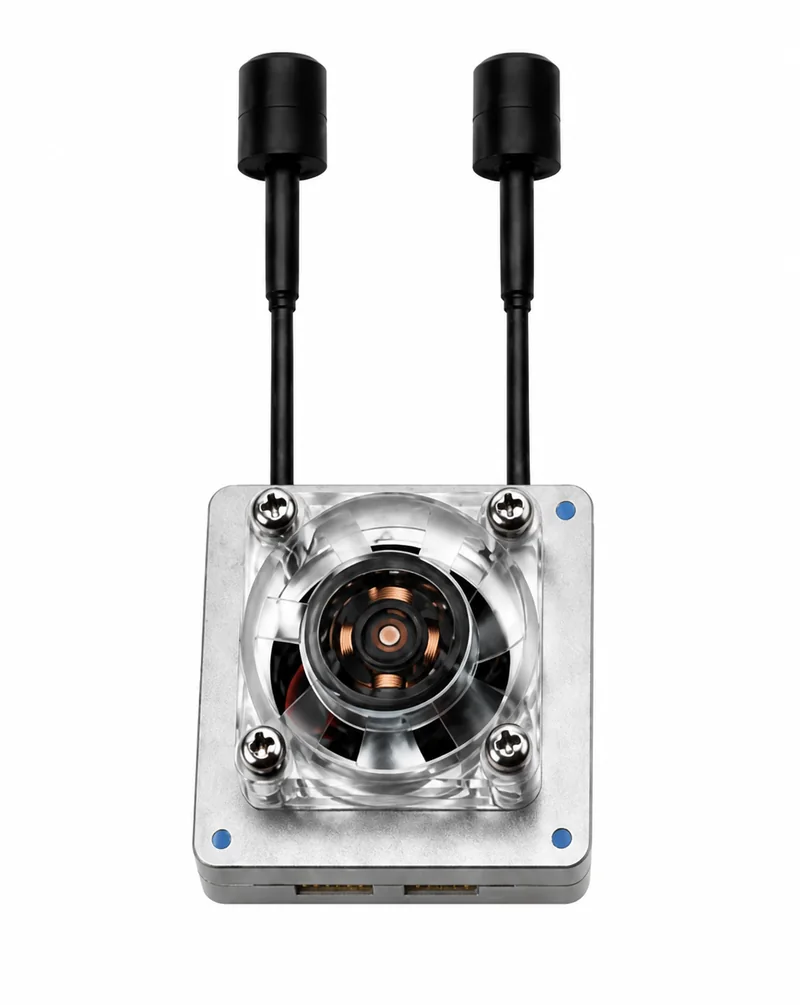 ZYRO Link
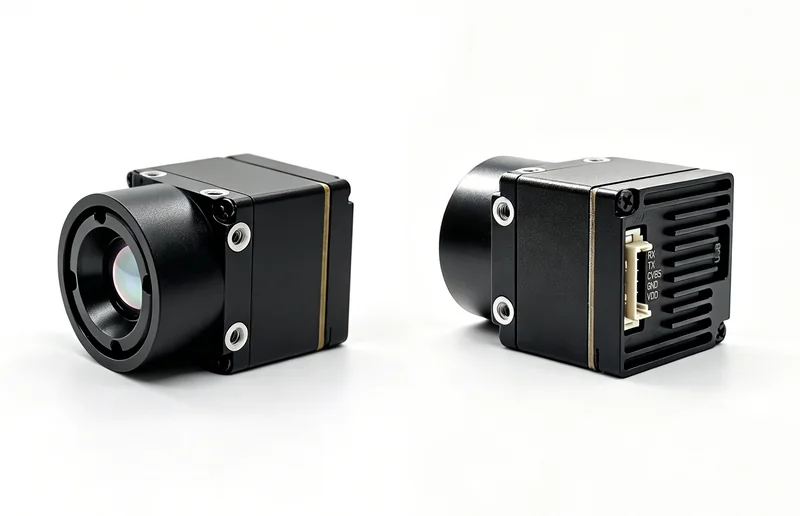 ZYRO Thermal

Digital video transmission system
C405 MAX
VTX Wireless Transmitter + RBox Ground Receiver System
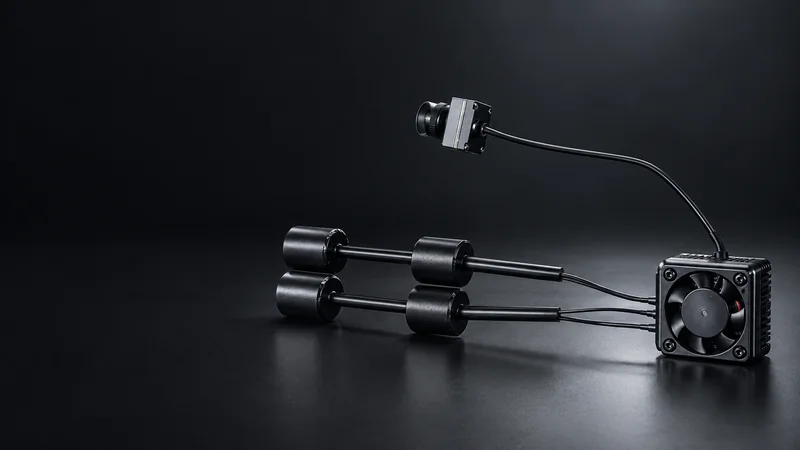
The ZYRO C405 MAX is a complete digital wireless video transmission system comprising a VTX airborne transmitter and an RBox ground receiver. Operating across the wide 3–7 GHz band with 1080p60fps video, OSD Canvas mode support for Betaflight and INAV, and wireless pairing, it delivers a fully integrated digital video link from airborne camera to ground display.
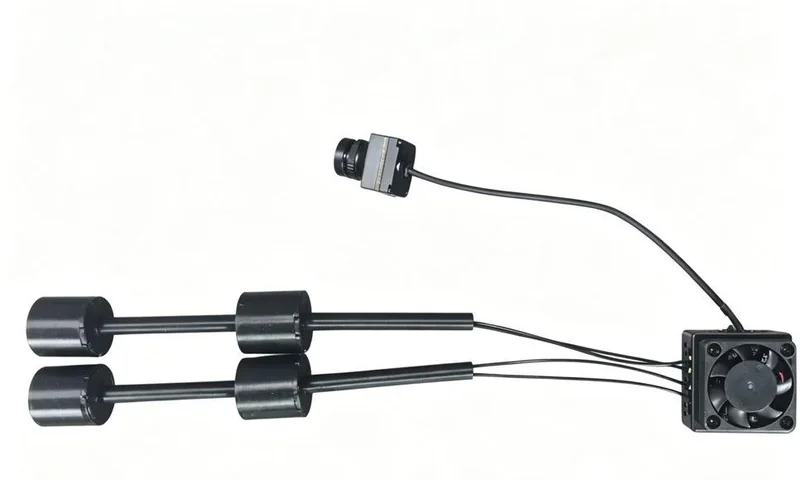
Built for your integration
A closer look.
Wide-Band 3–7 GHz
5 MHz communication bandwidth across 3–7 GHz for 36 selectable channels and flexible frequency planning.
1080p60 / 720p60 Video
High-definition digital video output at 1080p60fps or 720p60fps for smooth, professional-quality footage.
Dual Camera Support
VTX supports both visible-light (MIPI 2-lane / 4-lane) and infrared (MIPI 1-lane / DVP) camera inputs.
OSD Canvas Mode
Supports Betaflight and INAV MSP OSD Canvas mode for real-time telemetry overlay on the video feed.
Quick Pairing
Simple one-button pairing process — green LEDs on both VTX and RBox confirm active link establishment.
TF Card Recording
Both VTX and RBox support TF cards up to 1 TB for local video recording alongside wireless transmission.
Digital video transmission system
HD video. In real time.
Technical Data
VTX Specifications
| Parameter | Value |
|---|---|
| Model | C405 MAX |
| Communication frequency | 3–7 GHz |
| Communication bandwidth | 5 MHz |
| Transmit power (EIRP) | MAX: 33 dBm; FCC: <30 dBm; CE: <14 dBm; SRRC: <20 dBm; MIC: <25 dBm |
| Interfaces | JST1.0 × 4 (power cable), TF card slot |
| Mounting hole spacing | 25.5 mm × 25.5 mm |
| Dimensions | 34 mm × 34 mm × 18 mm |
| SD card slot | Supports up to 1 TB |
| Video resolution | 1080p60fps / 720p60fps |
| Weight | 22.41 g |
| Operating temperature | -20 to 60 °C |
| Number of channels | 36 |
| Power input | 11.1–40 V |
| Supported FC systems | Betaflight, INAV |
| OSD | Canvas Mode (MSP OSD output) |
| Antenna | 4 IPEX connectors; 3–5 GHz and 5–7 GHz coverage |
RBox Specifications
| Parameter | Value |
|---|---|
| Communication frequency | 3–7 GHz |
| Communication bandwidth | 5 MHz |
| SD card slot | Supports up to 1 TB |
| Type-C interfaces | USB-A to Type-C (PC upgrade); USB 3.2 Type-C to Type-C (DP display); UART EXP (TTL 3.3 V serial) |
| Power input | 9–30 V, 2 A |
| Fan interface | 5 V / 200 mA supply capability |
| Keypad interface | Dedicated keypad board; custom keypad development supported |
Camera & Antenna Specifications
| Parameter | Value |
|---|---|
| Image sensor | 1/1.8 inch, 2 MP |
| Resolution | 1080p60fps / 720p60fps |
| Aspect ratio | 16:9 / 4:3 |
| FOV | 160° |
| Aperture | F2.2 |
| Shutter | Rolling shutter |
| Weight | 13.47 g |
| Camera dimensions | 19 mm × 19 mm × 24 mm |
| Minimum illumination | 0.0001 Lux |
| Coaxial cable length | 140 mm |
| VTX antenna | LHCP, 3–5 GHz / 5–7 GHz, avg gain 2 dBi, 50 Ω, VSWR < 1.5, IPEX-1 |
| RBox antenna | LHCP, 3–5 GHz / 5–7 GHz, avg gain 10 dBi, 50 Ω, VSWR ≤ 2.5, SMA-J |
The supplied guide lists 11.1–40 V in the VTX specification table and 8–40 V in its interface description. Confirm the power input for your hardware revision before integration.
Interface Reference
VTX Interface Description
| Interface | Description |
|---|---|
| Power interface ① | VIN: 8–40 V; GND; RX2/TX2 for flight controller serial at 3.3 V level |
| Visible camera ② | MIPI 2-lane or 4-lane signals |
| Debug interface ③ | Factory debug sub-board only — RX0, TX0, VBUS, GND, DP, DM |
| Infrared camera ④ | MIPI 1-lane or DVP signals |
| Pairing button ⑤ | Press to initiate pairing between VTX and RBox |
LED Status Indicators
Status Indicators
| Status | LED Indication |
|---|---|
| Unpaired state | Red LEDs on VTX and RBox remain on |
| Pairing in progress | Dual-color LEDs on VTX and RBox flash rapidly |
| Pairing successful | Green LEDs on VTX and RBox remain on (link active) |
Applications
Typical Application Scenarios
FPV drone video links with Betaflight or INAV OSD
Dual-camera platforms requiring both visual and infrared video
Long-range digital video transmission for fixed-wing aircraft
Professional UAV operations requiring high-definition video
Ground control station setups with display via DP output
Research platforms needing simultaneous video recording and transmission
Product resources
Get the details.
Explore the product documentation, interfaces and configuration information for your build.
Build your next connection.
Share your platform and integration requirements with the ZYRO team.